
Real dish photos, ready for menus and delivery apps.
Upload one clear phone photo of a dish. FoodPhoto fixes the light, the background and the crop, then gives you the sizes DoorDash, Uber Eats, your website, your printed menu and Instagram ask for. The plate stays the plate you serve.
Photo packs from $5 · Monthly plans from $15 · No subscription needed
FoodPhoto.ai is a browser-based food photography studio for restaurants, cafés, ghost kitchens, food trucks and delivery brands. Upload a real dish photo, choose a goal and a style, review the result against the plate, then export menu, delivery, website and social sizes. Photo packs start at $5 for 10 photos and never expire; monthly plans start at $15. There is no free trial and no free credit: one pack or one plan is enough to start tonight.
Built by operators who lived shoot day, now used by restaurants & delivery brands worldwide
One studio, three ways in
Fix the light, keep the dish.
Improve the lighting, the background and the crop of the real food you serve, at the sizes each platform shows.
02 / PROMOTEGive people a reason to come in.
Turn the same dish into a special, a post or a launch image without booking a shoot day.
03 / LEARNLearn the craft inside the studio.
FoodPhoto Academy: 22 short video lessons, each ending with a prompt you can run on your own dish.
Why we built this
Made by restaurateurs, for restaurateurs.
I ran restaurants for more than ten years and styled the food myself. I lost count of the full days spent on photoshoots to walk away with ten usable photos for the delivery menu, plus every dish we cooked as a prop and then threw in the bin.
That is a lot of work, money and waste for a result software can now reach, and often beat. What matters is what stays: the plate, the real ingredients, the real portion, the food you actually serve. Your dish does not get lost in the process.
It is the tool I wish I had then. So we built it for operators who would rather run the restaurant than run a photoshoot.




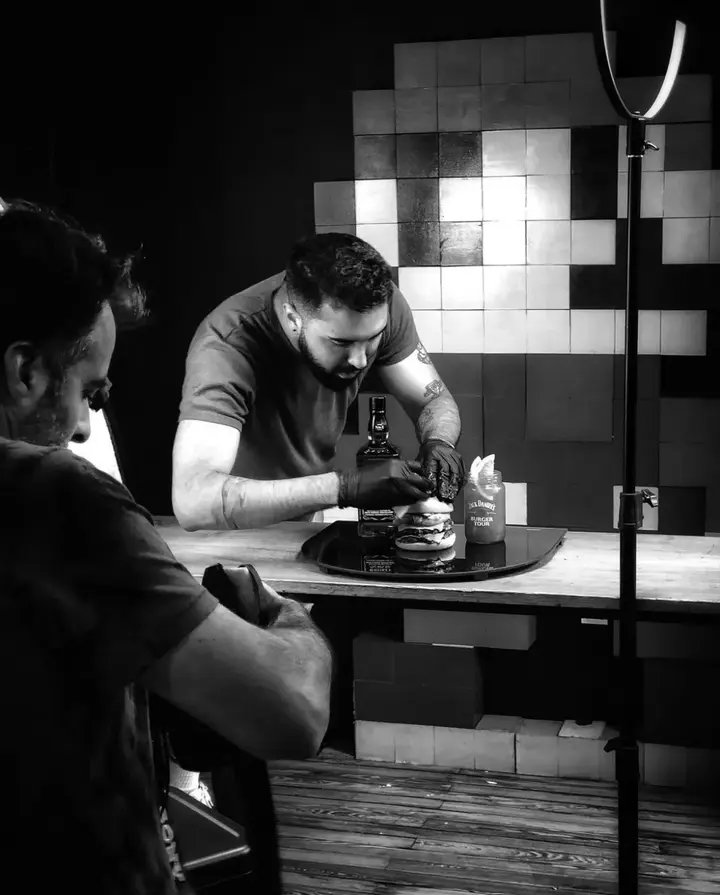
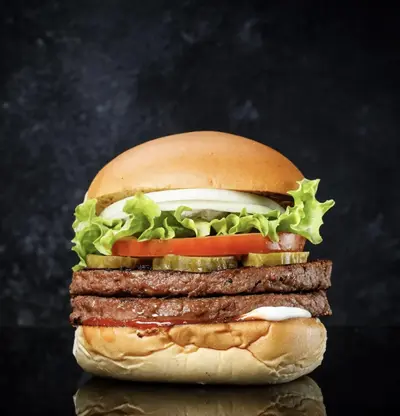
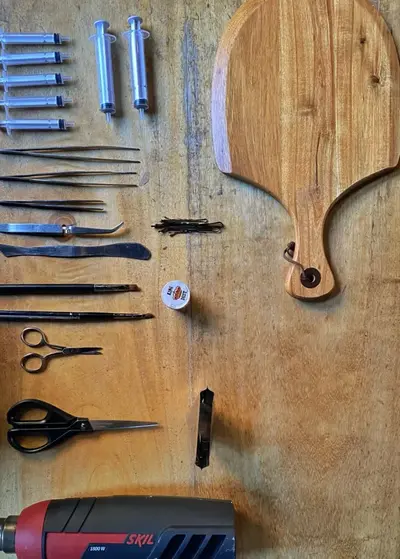
Photo packs
More food. More looks. More proof.
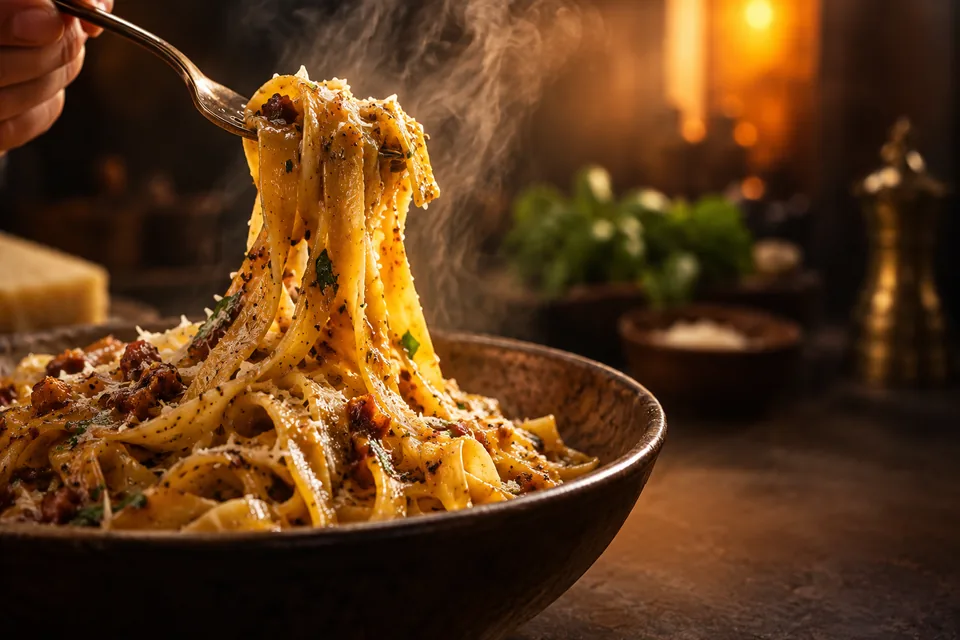
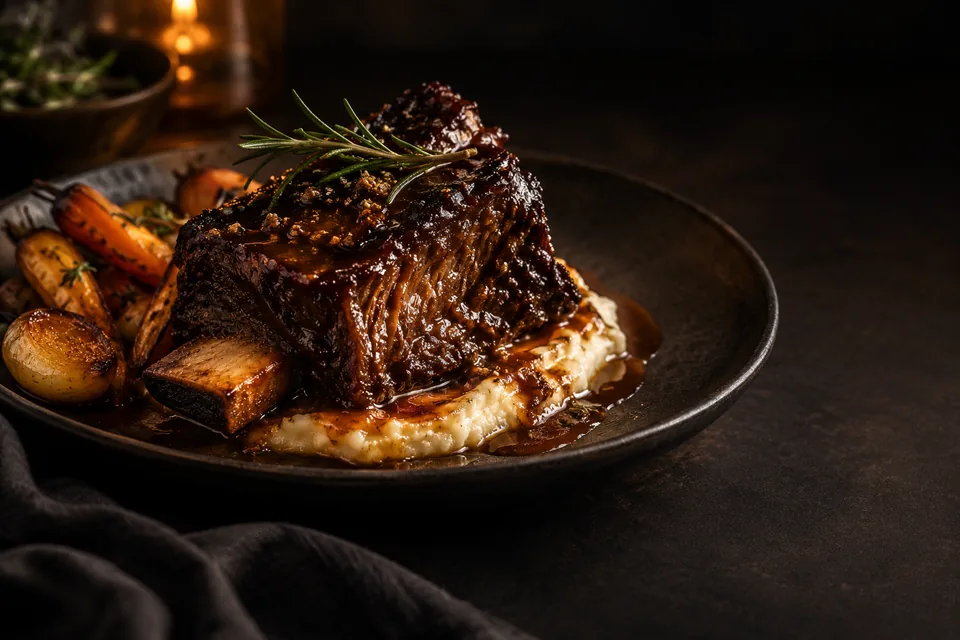
A working restaurant library, not one demo image. These are the styles operators run across a whole menu: black plates, studio white, marble counters, natural daylight, macro close-ups, delivery thumbnails and social posts.
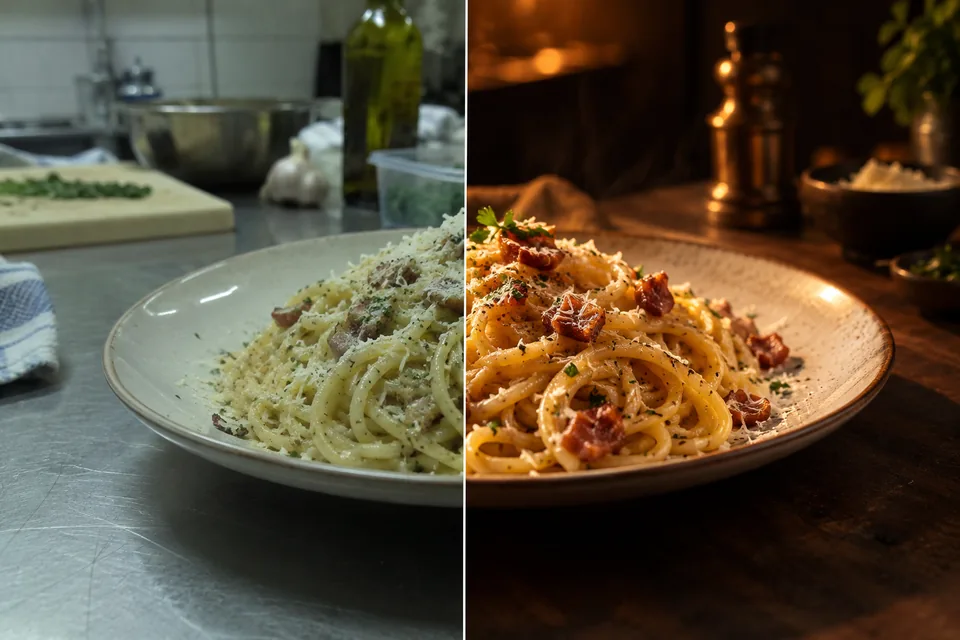
Real phone photo → menu ready
Drag to see the difference.
Each result keeps the actual dish, portion and ingredients. It fixes lighting, background, colour and crop. Drag the handle on any pair below and compare it with the plate you serve.
Menu items with photos see up to 44% more monthly sales than items without — DoorDash Merchant Learning Center.
Marketing Studio
One dish photo, a full set of menu and campaign images.
One real dish photo goes in; a set of marketing assets comes out, each one sized and styled for a place your restaurant appears. Choose a preset instead of booking a designer, an agency or a shoot day, then export and post.
Menu & delivery sets
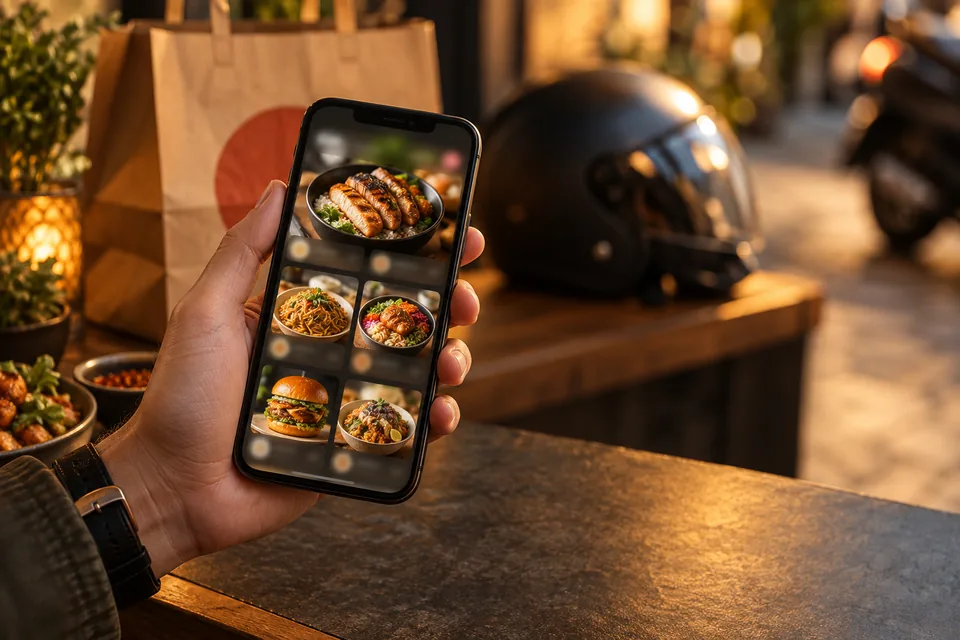
Black plate, studio white, marble and natural-light looks, plus delivery tiles tuned for DoorDash, Uber Eats and Grubhub thumbnails that actually get tapped.
Social & promos
Instagram posts and stories, scroll-stopping promo graphics and seasonal campaigns, all on-brand and ready to post the same day.
59 marketing styles
Ready-made layouts for every campaign, social posts, stories, ads, flyers, delivery promos, menu specials and seasonal offers, each with space built in for your headline and price.
One consistent brand look
Your real plate stays your plate, and style presets keep the whole menu cohesive, so every dish looks like it came from one shoot.
A few of the 59 marketing styles
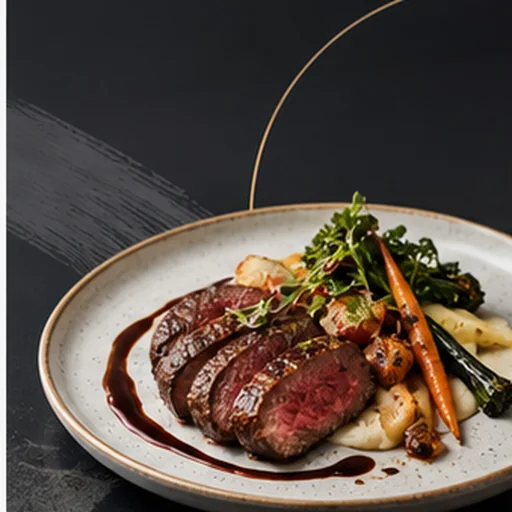 Daily Special Minimal
 Lunch Combo Clean
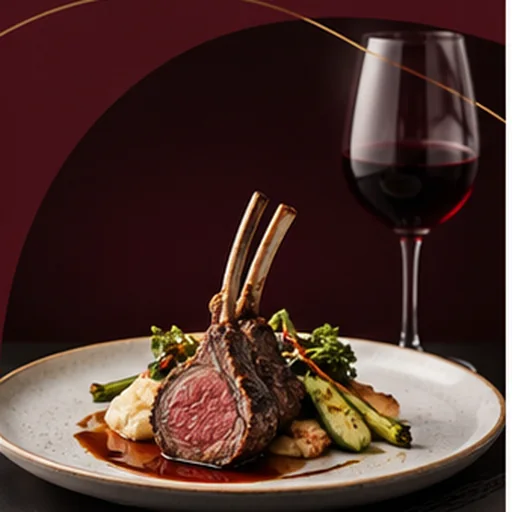
 New Menu Ivory
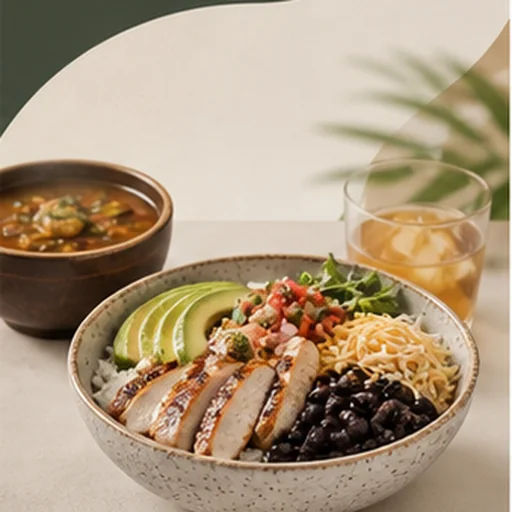 Taco Tuesday Refined
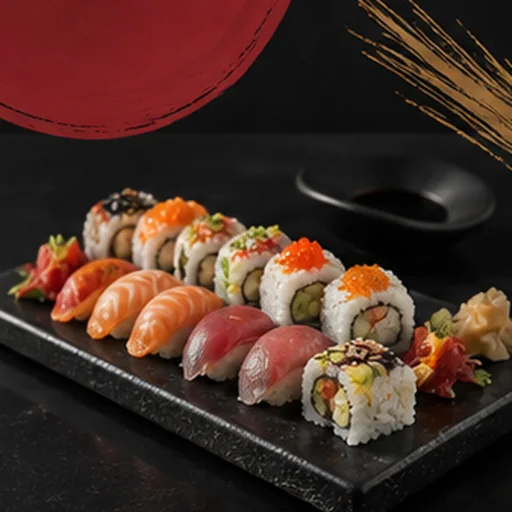
 Sushi Night Luxe
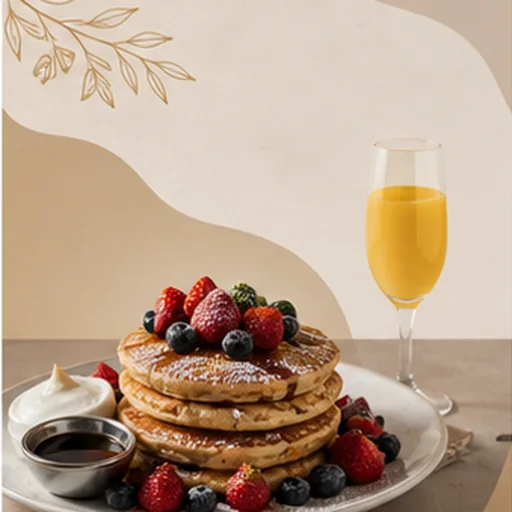
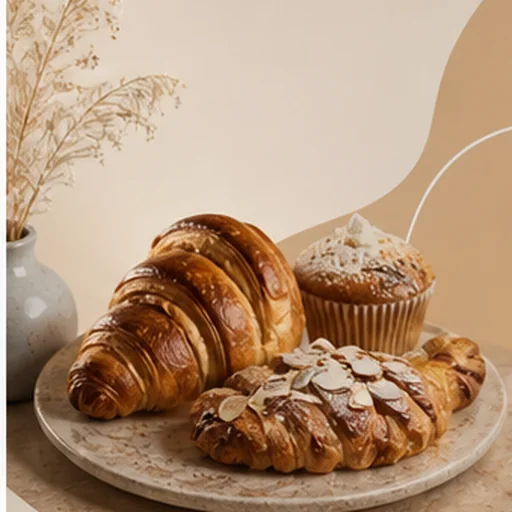 Brunch Launch Airy
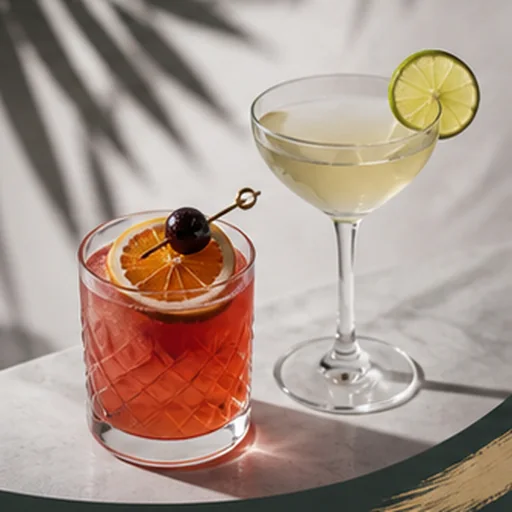
 Happy Hour Elegant
 Delivery Combo White
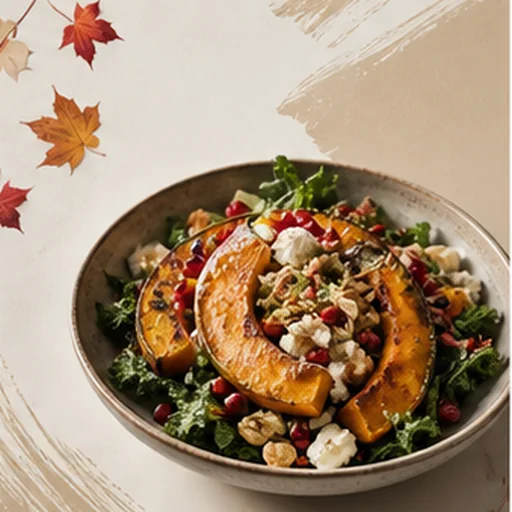 Family Bundle Clean
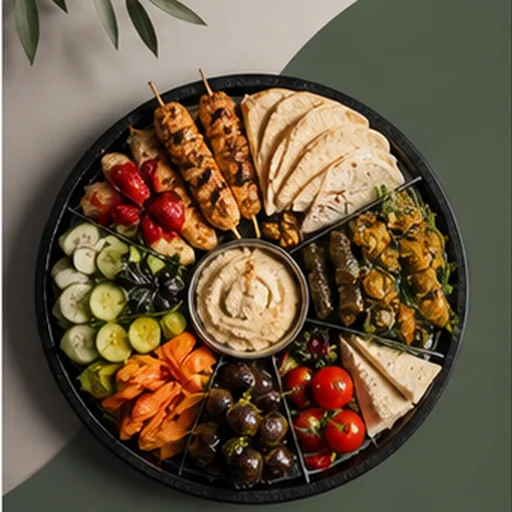
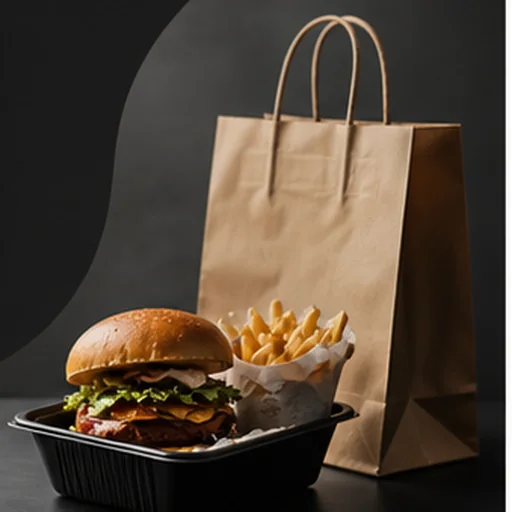 Catering Board Premium
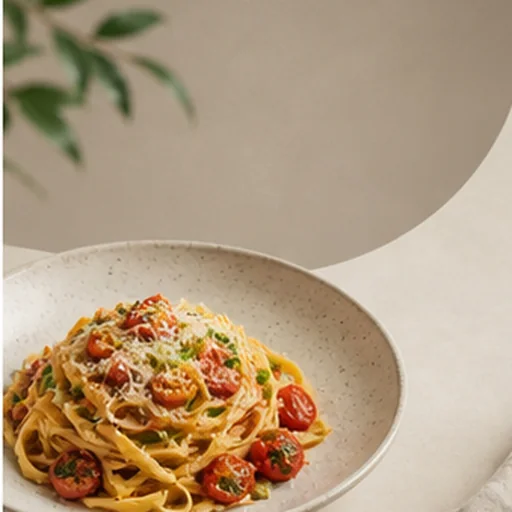 Instagram Square Clean
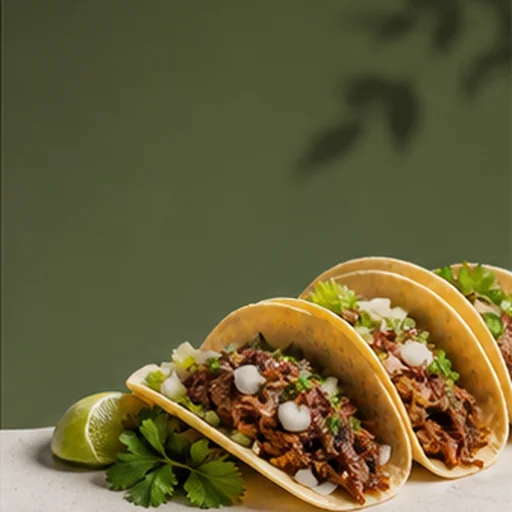 Story Negative Space
Workflow
A three-step workflow, ready when your kitchen is.
Upload the real dish
A normal phone photo from the kitchen, the pass or the table is enough. No lightbox and no photographer.
Pick the look
Black background, studio white, marble, natural light, a delivery tile, or the style your menu already uses.
Export everywhere
One source image becomes the delivery app tile, the website image, the Google Business photo, the QR menu and the social sizes.
Web and mobile studio
Shoot, enhance and publish
from the kitchen.
Use FoodPhoto from any browser: upload a real dish photo, generate the menu-ready version, compare it with the plate, approve it and download it without installing anything. The iPhone app is available when you prefer a native camera-roll workflow.

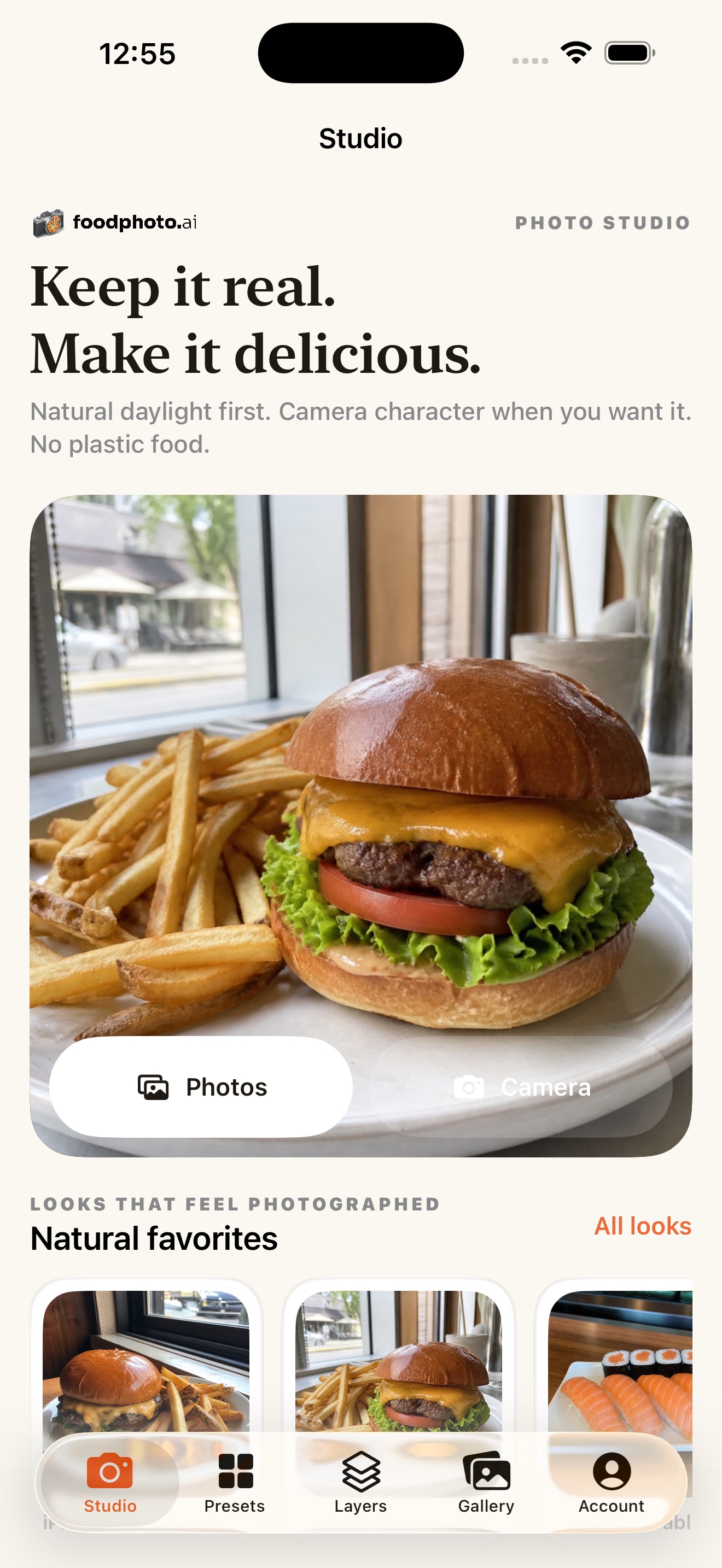
Native Studio
Start with a $5 photo pack, then create clean menu-ready food photos.
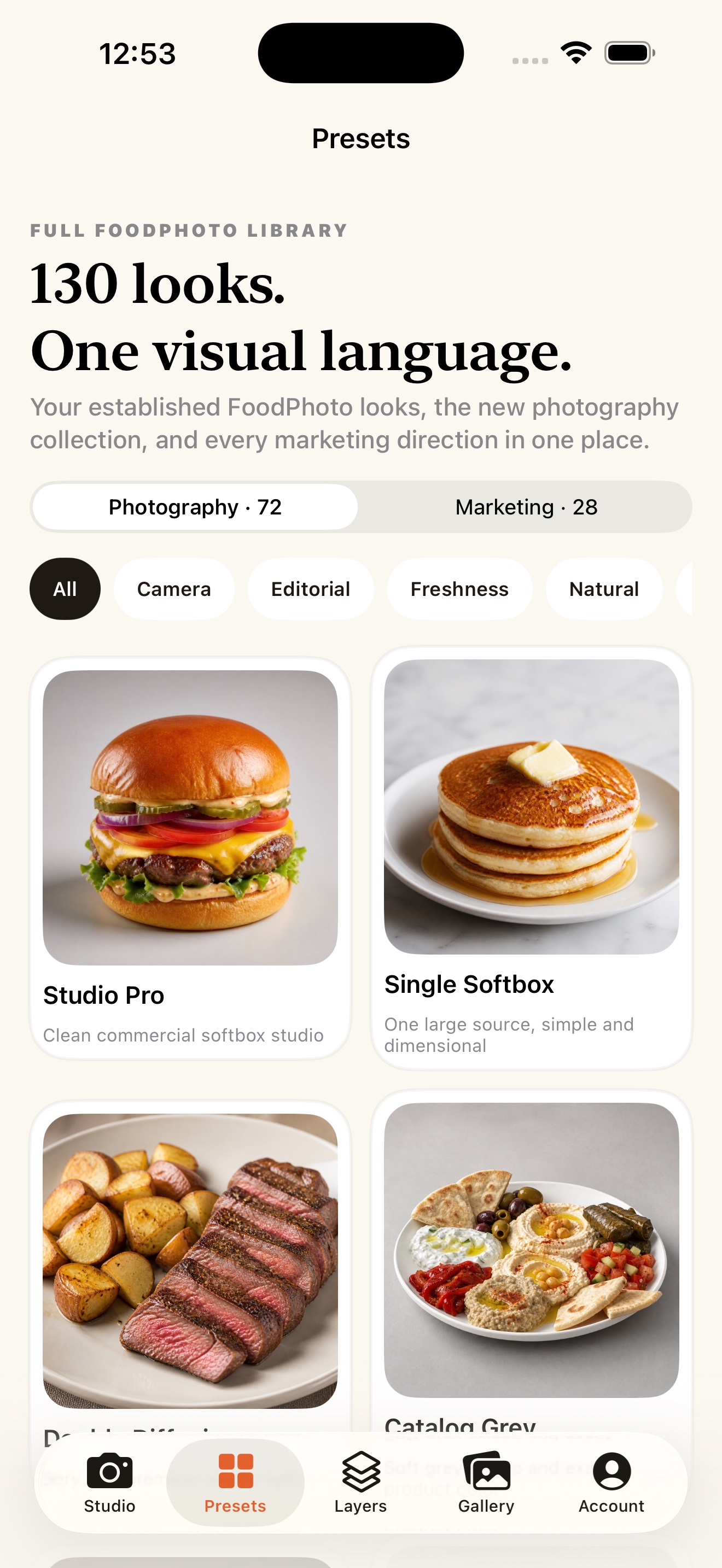
130 photographic looks
Natural phone-camera character, classic cameras, studio light, and campaign styles.
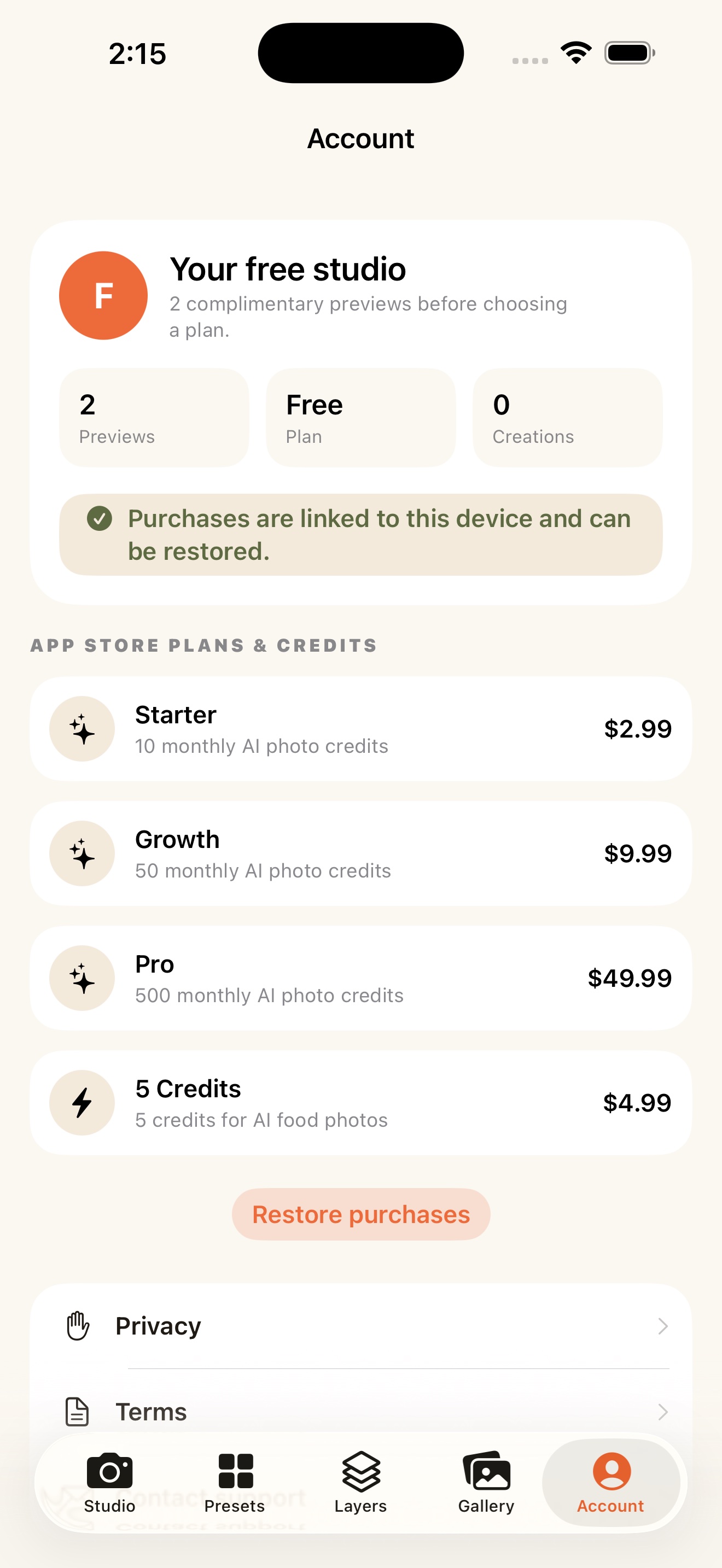
Plans and credits
Start in the web Studio with a photo pack or a plan, paid securely on the web. The iPhone app stays available for a native camera-roll workflow.
FoodPhoto Academy
Learn it once. Use it on every dish.
22 video lessons in 6 modules, 49 minutes in total. Every lesson ends with the prompt that made the example, so you can run it on the plate you serve tonight. Lesson 1 is free and needs no account.
- Included with plans from $15 a month
- Or with a one-time photo pack from $5
- Lesson 1 is free, no account needed
Plans
Plans by how much you publish.
Choose by how many dishes you keep fresh. Start with a $5 photo pack on your own dish, judge the result, then pick the monthly plan that matches your menu. No free trial and no free credits: every image is paid.
Every paid plan opens the full studio. 133 photo styles, delivery and web exports, editable menus and campaigns, with full commercial rights. Each generation uses your balance; there is no unlimited tier.
What every paid plan includes
- The full studio: 133 photo styles and 59 marketing styles
- Menu, PDF and updatable QR exports from the same dish photo
- Delivery, website and social sizes, without a watermark
- Commercial use of every paid image
- FoodPhoto Academy lessons inside the studio
- Your work kept in your account, with its versions
What it does not include
- A photographer or a shoot: you bring one clear phone photo per dish
- Approval by a delivery platform: every platform reviews images on its own
- New dishes or ingredients that were not on the plate
- Unlimited generations: each image or document uses your balance
- A free trial, free credits or a free plan
More volume: a company or a multi-location group
Paid web checkout is open · secure Stripe payment · commercial menu usage · monthly plans can be cancelled anytime. Compare every plan →
FAQ
Common questions.
What is FoodPhoto.ai?
A browser-based food photography studio for restaurants. Upload real dish photos, choose a restaurant-ready style (black background, studio white, marble, natural light) and export menu photos for delivery apps, websites, Google Business Profile, QR menus and social posts, while keeping the dish you actually serve. The iPhone app is available for a native camera-roll workflow.
How much does it cost?
A one-time photo pack starts at $5 for 10 photos and never expires. Monthly plans start at $15 for about 60 photos a month. Every paid image is watermark-free with full commercial rights. There is no free trial and no free credit.
Does it change the food?
No. It is built for honest enhancement: lighting, background, colour, crop and texture, while the real plate, portion, ingredients and garnish stay recognisable. Compare every result with the original and reject anything that changed the dish before you publish it.
Where can I use the images?
Paid outputs are watermark-free for commercial use across DoorDash, Uber Eats, Grubhub, Google Business Profile, websites, QR menus, printed menus and social media. Each delivery platform still reviews its own images; FoodPhoto cannot guarantee that a platform will accept a photo.
YOUR RESTAURANT, BEYOND THE PHOTO
Better photos are just the beginning.
Learn practical AI and find tools for the daily work of your restaurant.
Tonight's menu can look finished
Your whole menu, without a shoot day.
Delivery, web and social photos made from the dishes you actually serve. Start with a $5 photo pack on your own plate, check the result against the dish, and keep going when the images earn a place on your menu.