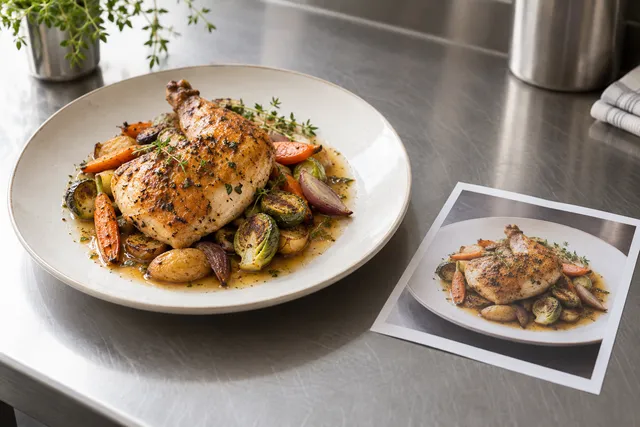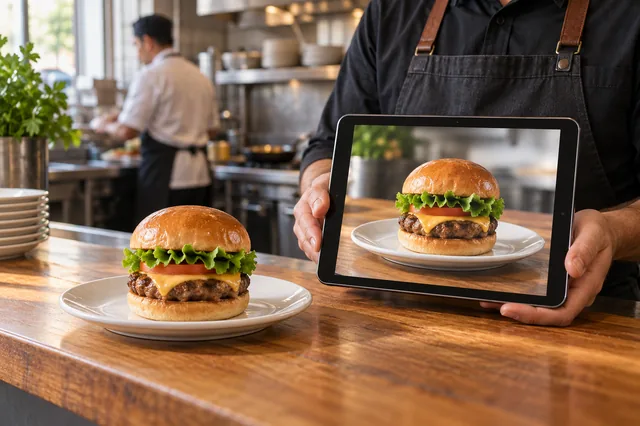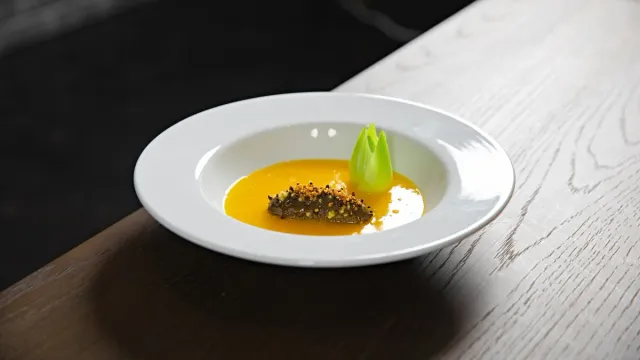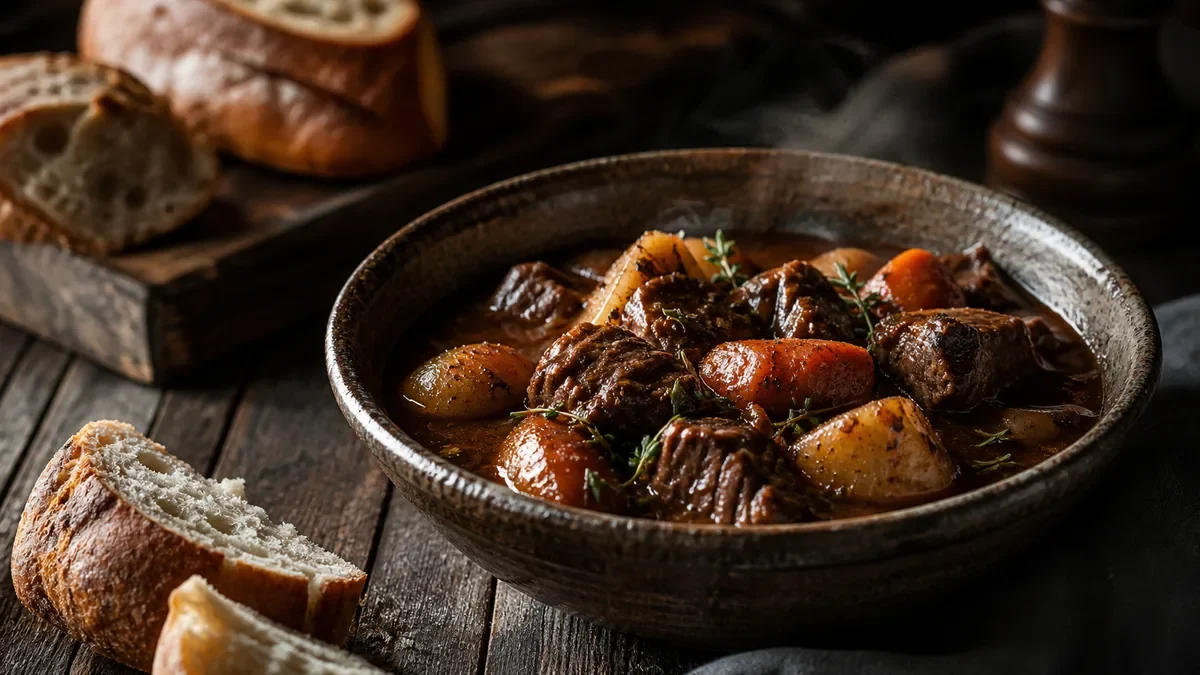
AI food photography is no longer a novelty — it is a working tool in restaurant operations. But the honest answer to “can it replace a photographer?” is: it replaces a lot, not everything. AI is excellent at the technical labor — relighting, cleanup, consistency, and exports — while humans still own plating, styling, and brand direction. This is a grounded look at where AI food photography genuinely saves time and money, where you still need a person, and how to set it up so your menu actually benefits.
What AI food photography is great at
For everyday restaurant photos, AI handles the parts that used to require a studio:
- Fixing harsh lighting and color cast. Kitchen and dining-room light is rarely flattering. AI corrects exposure and white balance so a dish looks the way it does in person, not orange or flat.
- Cleaning backgrounds and removing clutter. A tidy, on-brand background turns a snapshot into a menu photo.
- Creating a consistent look across the whole menu. Enhancing every dish to one standard is what makes a menu feel like a brand instead of a folder of random photos.
- Exporting multiple crops at once. One enhanced photo becomes a square delivery thumbnail, a landscape Google Business image, and a vertical social clip — without re-editing each one.
The key constraint: AI should not change what the dish is. The whole value of honest enhancement is accuracy — the photo has to match what the customer receives. You can see exactly how that works on one of your own dishes in the a $5 pack of 10 photos.
What you still need a human for
AI is not magic, and pretending otherwise leads to bad photos. People still own:
- Plating and styling decisions. Where the garnish sits, how the sauce is poured, which side faces the camera — that is craft.
- Brand direction. Deciding what “your look” is — moody and premium, or bright and clean — is a human call. Our food photography style trends piece can help you choose a direction.
- Picking the best shot. AI enhances what you give it; a person still decides which angle best represents the dish.
AI removes the technical barrier; it does not remove the taste. The good news is that the human parts are quick to learn and you only set them once.
The practical setup that works
The strongest 2026 workflow is not “AI instead of photography.” It is phone + simple station + AI enhancement:
- A small, consistent station — a window or one cheap light, a neutral surface, and a fixed angle.
- A phone — modern phone cameras are more than enough resolution for menus and delivery.
- AI enhancement — to relight, clean up, standardize, and export.
This setup lets one staff member produce a whole menu’s worth of consistent, publishable photos in an afternoon. For a full comparison against a traditional shoot, see our honest DSLR vs AI food photography breakdown.
Where AI saves the most money
The economics are the clearest argument. A traditional studio shot runs roughly $20-$80 per image once you account for the photographer, stylist, and time. AI enhancement of a phone photo typically lands around $0.14-$0.60 per finished image. For a 40-item menu refreshed a few times a year, that difference is the gap between a once-a-year scramble and a routine you can run whenever the menu changes.
It is not only cheaper — it is faster. A new special can be shot, enhanced, and live on delivery apps the same day, instead of waiting weeks for a shoot to be scheduled.
Common mistakes when restaurants adopt AI
AI food photography is easy to start and easy to misuse. The failure modes are predictable:
- Treating it as generation, not enhancement. Inventing a dish from a prompt produces an image that does not match the plate. For a live menu, that is an accuracy and policy problem, not a shortcut.
- Feeding it bad inputs. A blurry, badly lit photo limits the result. Two seconds of side light beats trying to rescue a dim snapshot afterward.
- Over-correcting. Pumping color and gloss until the food looks plastic erodes trust faster than a plain photo would.
- Inconsistency. Enhancing dishes with different looks defeats the purpose. Pick one standard and apply it to the whole menu.
Avoid those four and AI reliably lifts your everyday photos from “snapshot” to “menu-ready.”
What good AI output should look like
A well-enhanced food photo is hard to distinguish from a careful studio shot at the sizes customers actually see. It should have:
- Accurate color — the dish looks like it does on the plate, not orange or oversaturated.
- Clean, on-brand background that does not distract from the food.
- Visible texture and gloss — the appetite signals are intact, not smoothed away.
- Correct crop for the placement, whether a square delivery thumbnail or a landscape hero.
If the output fails any of these, the answer is usually a better input photo or a lighter touch — not a different dish. You can compare a before and after on your own plate in the a $5 pack of 10 photos to calibrate what good looks like.
A side-by-side of who does what
It helps to be concrete about which half of the work belongs to the machine and which belongs to a person. The split is cleaner than most people expect.
| Task | AI handles it | Human handles it |
|---|---|---|
| Correcting exposure and white balance | Yes | — |
| Removing a cluttered background | Yes | — |
| Matching 40 dishes to one look | Yes | — |
| Exporting square, landscape, and vertical crops | Yes | — |
| Deciding the plating and garnish | — | Yes |
| Choosing moody vs. bright as the brand | — | Yes |
| Picking the best of three angles | — | Yes |
| Confirming the photo matches the real plate | — | Yes |
Read it left to right and the pattern is obvious: AI owns the repeatable technical labor, the person owns judgment and accuracy. Neither one replaces the other, and a restaurant that tries to make AI do the human column ends up with photos that look slick but feel wrong.
How to evaluate an AI food tool before you trust your menu to it
Not all “AI food photography” means the same thing, and the difference matters for a live menu. Before you adopt one, run it through a short test:
- Upload one of your real, mediocre phone photos. A dim, slightly yellow shot of an actual dish is the honest test — not a polished sample the tool picked.
- Check that the food is unchanged. Count the shrimp, look at the portion, confirm the garnish is the same. If anything got added or “improved” beyond lighting and color, that tool generates, and you should walk away.
- Run two or three dishes and compare consistency. A good tool makes them feel like a set. A weak one gives you three different looks.
- Look at it small. Shrink the result to a delivery thumbnail. If it still reads instantly, the tool is doing its job.
The honest-enhancement category — fixing light, color, gloss, and background on your real photo — is the only one safe for a menu customers order from. You can run exactly this test in the a $5 pack of 10 photos. For a deeper buyer’s comparison, our best AI food photography tools roundup breaks down what to look for, and the honest DSLR vs AI breakdown covers when a camera still wins.
A realistic week-one rollout
Adopting AI does not mean re-shooting your whole menu on day one. The lowest-risk path is to start narrow and widen once you trust the look:
- Day 1: Shoot and enhance your five top sellers. These are the photos doing the most work, so the lift is most visible.
- Day 2-3: Compare the enhanced set against your live delivery and Google listings. Confirm color and portion are honest.
- Week 1: Roll the same look across the rest of the menu in one batch, then export crops for each channel.
Because credits roll over, you are not penalized for going slow — the a pack of 10 photos is $5, which is enough to enhance exactly that first batch of top sellers and decide for yourself.
Where a real shoot still earns its place
To be fair to photography: there are still moments a styled human shoot is worth it.
- Flagship brand campaigns and hero imagery for a website redesign.
- A signature dish that defines your brand and deserves a definitive shot.
- Big launches where the budget and timeline support it.
The smart move is not picking a side. Use a real shoot for the rare hero moments, and use AI enhancement for the constant stream of everyday menu, delivery, and social photos.
The honest takeaway
AI food photography replaces the technical grind of everyday menu photos, not the human judgment behind them. Use it to make good phone photos consistent and publishable at scale, keep a person in charge of plating and brand, and reserve studio shoots for the rare moments that truly need them. That combination gives you professional-looking photos without the professional-shoot price tag.
Want to see what honest enhancement does to your dish? Get a $5 pack of 10 photos on one plate, or check pricing — a pack of 10 photos is $5.
Frequently asked questions
Can AI replace a food photographer?
AI can replace much of the technical work — relighting, background cleanup, color correction, and consistent exports — for everyday menu photos. It does not replace human judgment on plating, styling, and brand direction. The strongest setup is a phone, a simple station, and AI enhancement.
Will AI change what my dish looks like?
Good AI enhancement should not. The honest approach starts from a real photo of your actual dish and improves lighting, background, color, and gloss without changing the food. Avoid tools that generate fake food, because the photo must match what arrives.
What is AI food photography best at for restaurants?
It is best at fixing harsh lighting and color casts, cleaning cluttered backgrounds, making a whole menu look consistent, and exporting multiple crops for delivery apps and social in one pass — fast and at low cost per image.
Do I still need a professional shoot at all?
Sometimes. Hero brand campaigns, signature dishes, and big launches can still justify a styled shoot. For day-to-day menu, delivery, and social photos, AI enhancement of a good phone photo is usually enough and far cheaper.