Best AI Food Photography Apps in 2026: Honest Comparison
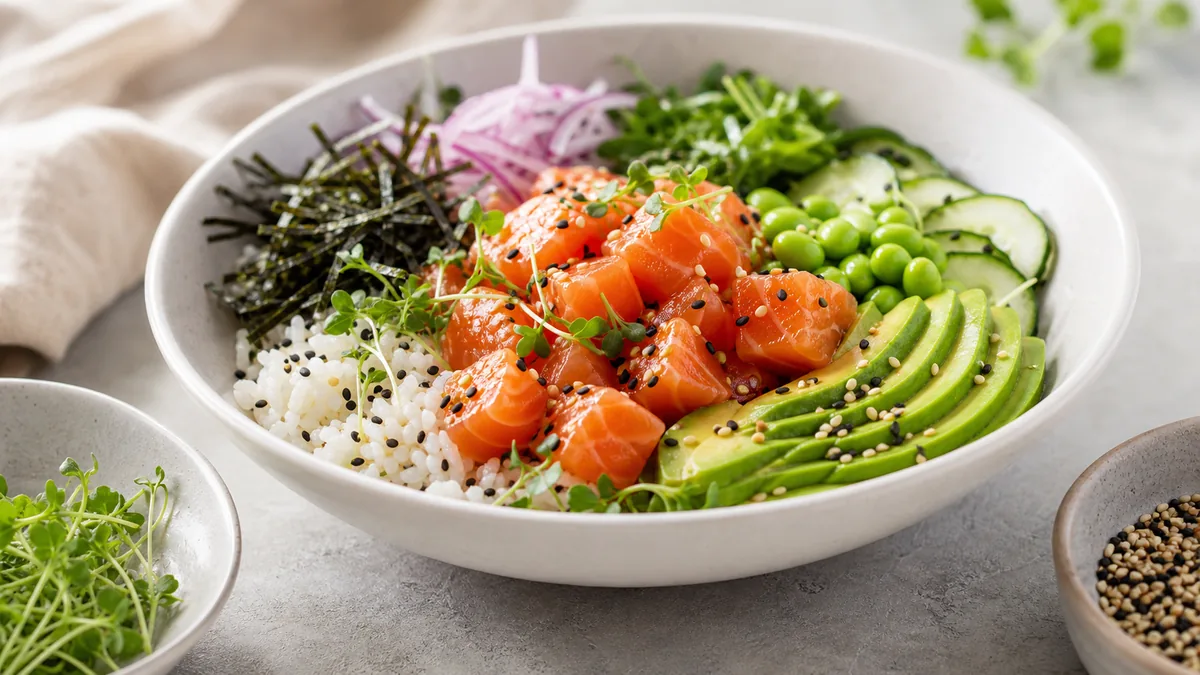
Direct answer: The best AI food photography app depends on the job: restaurants need faithful enhancement, consistent menu batches and delivery-ready exports, while general image tools are often better suited to creative concepts. Compare realism, workflow, review controls and total cost before choosing.
Compare the options, then try the restaurant-specific workflow. → See pricing
There are more AI food photography tools in 2026 than ever, and they are not the same thing. Some enhance a real photo of your dish; some generate fake food from a text prompt; some are general background removers that were never built for food. If you run a restaurant, ghost kitchen, or delivery brand, picking the wrong category wastes money and — worse — risks showing customers food you do not actually serve. This guide breaks down how these tools really differ so you can choose the right one for menus and delivery apps.
The most important distinction: enhancement vs generation
Before comparing brands, understand the two fundamentally different approaches.
- AI enhancement starts from a real photo of your real dish and fixes lighting, background, color, crop, and gloss without changing the food. What the customer sees is what arrives.
- AI generation invents a dish from a text prompt. It can look impressive, but it shows an idealized fantasy, not your kitchen’s plate — a real problem for accuracy, trust, and platform policies.
For restaurant and delivery menus, enhancement is the honest choice. A beautiful generated burger that does not match the one in the box leads to refunds, bad reviews, and policy strikes. We cover the policy side in detail in our piece on whether AI food photography is allowed for restaurants.
What to compare before you pay
When you evaluate any AI food photography tool, score it on six things that actually matter for menus:
- Approach — does it enhance your real photo, or generate from a prompt?
- Food specialization — is it tuned for food, or a generic photo editor?
- Delivery presets — can it export the crops DoorDash, Uber Eats, and others need?
- Batch processing — can it handle a whole menu at once?
- Price per finished image — not the headline subscription, the cost per usable photo.
- Output rights — can you use the images commercially without friction?
| Factor | What good looks like |
|---|---|
| Approach | Enhances your real dish (no fabrication) |
| Specialization | Built for food, not generic objects |
| Delivery presets | DoorDash 16:9, Uber Eats 5:4 to 6:4, and app-ready crops |
| Batch | Whole menu in one pass |
| Pricing clarity | Published credits, rollover rules, and cost per usable export |
| Rights | Clear commercial use |
The main categories of tools you’ll find
Food-specialized enhancement tools
These are built for restaurants. You upload a phone photo of a real dish and get a clean, menu-ready image with corrected lighting, a tidy background, and accurate color. The best ones add delivery presets and batch export so one shoot feeds your website, Google Business, and every delivery app. This is the category FoodPhoto.ai sits in — honest enhancement, delivery-ready crops, batch processing, and entry pricing built for operators rather than agencies. You can try it on one dish in a Menu Test Pack and judge the output yourself.
General background removers and object editors
Tools in this category are good at cutting out objects and dropping in plain backgrounds, but they were not designed for food. They tend to flatten texture, mishandle gloss and sauce, and miss the appetite signals that sell a dish. Fine for a quick cutout; underwhelming for a menu hero.
Text-to-image generators
These invent food from prompts. They are powerful for moodboards and concept art, but for a live menu they create the accuracy and trust problem above. Useful for marketing illustration; risky for the actual dish photos customers order from.
How to read the pricing
Headline subscriptions are misleading. The number that matters is cost per finished, usable image. A “cheap” plan that produces images you have to re-edit is expensive. A tool that nails the photo on the first pass is cheap even at a higher sticker price.
Pricing and credit allowances change, so verify them before deciding. Checked July 15, 2026: FoodPhoto.ai lists a one-time $10 Menu Test Pack (10 credits), Restaurant Starter at $15/month (50 credits), Growth at $30/month (150 credits), and Pro at $60/month (500 credits). Monthly credits roll while the plan remains active — see full pricing. If you want to weigh AI against a real shoot end to end, read our honest DSLR vs AI comparison.
A category-by-category comparison
To make the trade-offs concrete, here is how the three categories stack up on the things that decide menu work:
| Food-specialized enhancement | General background remover | Text-to-image generator | |
|---|---|---|---|
| Starts from your real dish | Yes | Yes (object only) | No |
| Accurate to what arrives | Yes | Mostly | No |
| Handles gloss, sauce, steam | Tuned for it | Often flattens it | N/A (invented) |
| Delivery presets / crops | Usually built in | Rarely | No |
| Batch a whole menu | Yes | Sometimes | Slow, prompt-by-prompt |
| Safe for live menu photos | Yes | Limited | No |
| Best use | Menu and delivery photos | Quick cutouts | Concept art, social illustration |
The pattern is clear: only food-specialized enhancement was designed for the exact job a restaurant has, which is turning a real plate into a clean, accurate, channel-ready image at volume.
Common mistakes when choosing a tool
Operators tend to lose money in the same predictable ways. Avoid these:
- Buying on the demo gallery, not your own dish. Vendor galleries are cherry-picked. Always run your worst-lit phone photo through the tool before paying — the gap between a staged demo and your real kitchen is where money disappears.
- Confusing a low subscription with a low cost per image. A $9 plan that needs three re-edits per photo costs more in time than a tool that nails it once. Score cost per finished image, not the sticker price.
- Using a generator “just for the hero shot.” The hero is the most-seen, highest-trust image on your menu. A fabricated hero is exactly where a photo-mismatch complaint does the most damage.
- Ignoring export. A beautiful square that the delivery app crops into a sliced hero is a failure. If a tool can’t export the crops each channel needs, you’ll re-edit forever.
- Forgetting credits and rollover. Menus change. A tool whose credits expire monthly punishes the slow weeks; rolling credits (FoodPhoto.ai rolls them over) match how restaurants actually shoot.
Platform-specific notes
Different channels reward slightly different choices:
- DoorDash and Uber Eats: thumbnails dominate, so prioritize a tool with built-in delivery presets and clean, high-contrast output that survives the crop. See our Uber Eats photo requirements guide for the exact sizes.
- Google Business Profile: Google favors recent, authentic-looking photos. Enhancement of real dishes fits its guidelines far better than generated images.
- Instagram and social: here a generator can earn a place for concept art and promo graphics — just never for the dishes customers can actually order.
A quick decision guide
- You run a restaurant or delivery brand and want accurate menu photos: choose a food-specialized enhancement tool with delivery presets and batch export.
- You only need an occasional plain-background cutout: a general remover may be enough.
- You want concept art or social illustration, not menu photos: a generator can help, but never use it for the dishes people order.
If you’re weighing the AI route against simply doing it yourself with a phone, our guide on restaurant menu photos without a photographer shows the in-house workflow that pairs with any enhancement tool.
Where this leaves you
The “best” AI food photography tool is not the one with the flashiest generated images — it is the one that turns a real photo of your real dish into a clean, accurate, delivery-ready image at a low cost per shot. For restaurants and delivery menus, that means honest enhancement, food specialization, delivery presets, and batch export. Match the tool to the job and you stop paying studio prices for photos you can produce in-house.
Want to judge the workflow on your own menu? Compare current plans and the Menu Test Pack before choosing a production setup.
Frequently asked questions
What is the best AI for food photography in 2026?
The best AI for food photography is one that enhances a real photo of your actual dish rather than generating fake food. For restaurants and delivery menus, that means a food-specialized enhancement tool with delivery presets and batch export, not a general background remover or a text-to-image generator.
What is the difference between AI enhancement and AI-generated food photos?
AI enhancement starts from a real photo of your dish and fixes lighting, background, color, and gloss without changing the food. AI generation invents a dish from a text prompt, which risks showing food you don’t actually serve. For menus, enhancement is the honest, accurate choice.
How much should AI food photography cost?
Costs vary, so compare the price per usable image. Checked July 15, 2026, FoodPhoto.ai lists a $10 one-time Menu Test Pack, Restaurant Starter at $15/month, Growth at $30/month, and Pro at $60/month.
Can AI food photography tools handle delivery app requirements?
The good ones can. Look for built-in delivery presets and multi-crop export so one enhanced photo produces DoorDash 16:9, Uber Eats 5:4 to 6:4, square social thumbnails, and any regional app crops you need — without re-editing each one.
What is the best AI food photography tool for delivery apps?
For delivery apps specifically, the best tool is a food-specialized enhancement app that exports the exact crops each platform shows: a 16:9-friendly DoorDash thumbnail, an Uber Eats 5:4-to-6:4 hero, and clean square crops for app carousels. Prioritize batch export and high-contrast output that survives aggressive app cropping, because delivery photos are seen at thumbnail size first and full size second. Avoid generators here entirely — a fabricated hero is exactly where a photo-doesn’t-match complaint does the most damage to your ratings.
Is there a free AI food photography tool?
Some tools offer a limited free trial or watermarked output, but truly free options are rare for menu-quality, delivery-ready results, and they usually cap resolution or commercial rights. A more honest way to test cost is a small one-time pack: FoodPhoto.ai’s $10 Menu Test Pack lets you run 10 real dishes and judge the output on your own plates before committing to a monthly plan.
Related guides
- Buyer's guide for delivery-app tools
- DSLR vs AI: an honest comparison
- The complete AI food photography guide
Ready to upgrade your menu photos? Open the FoodPhoto.ai studio or see plans and pricing.