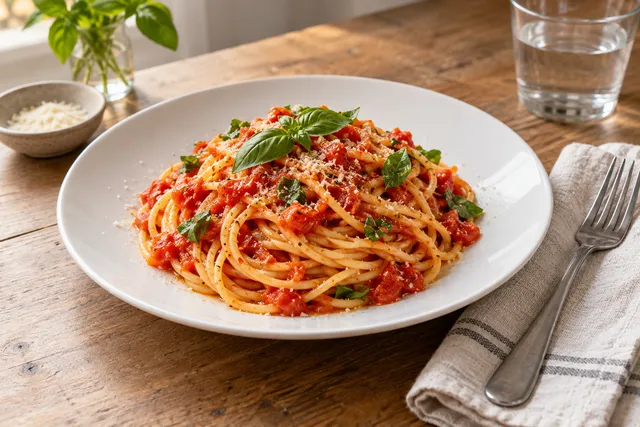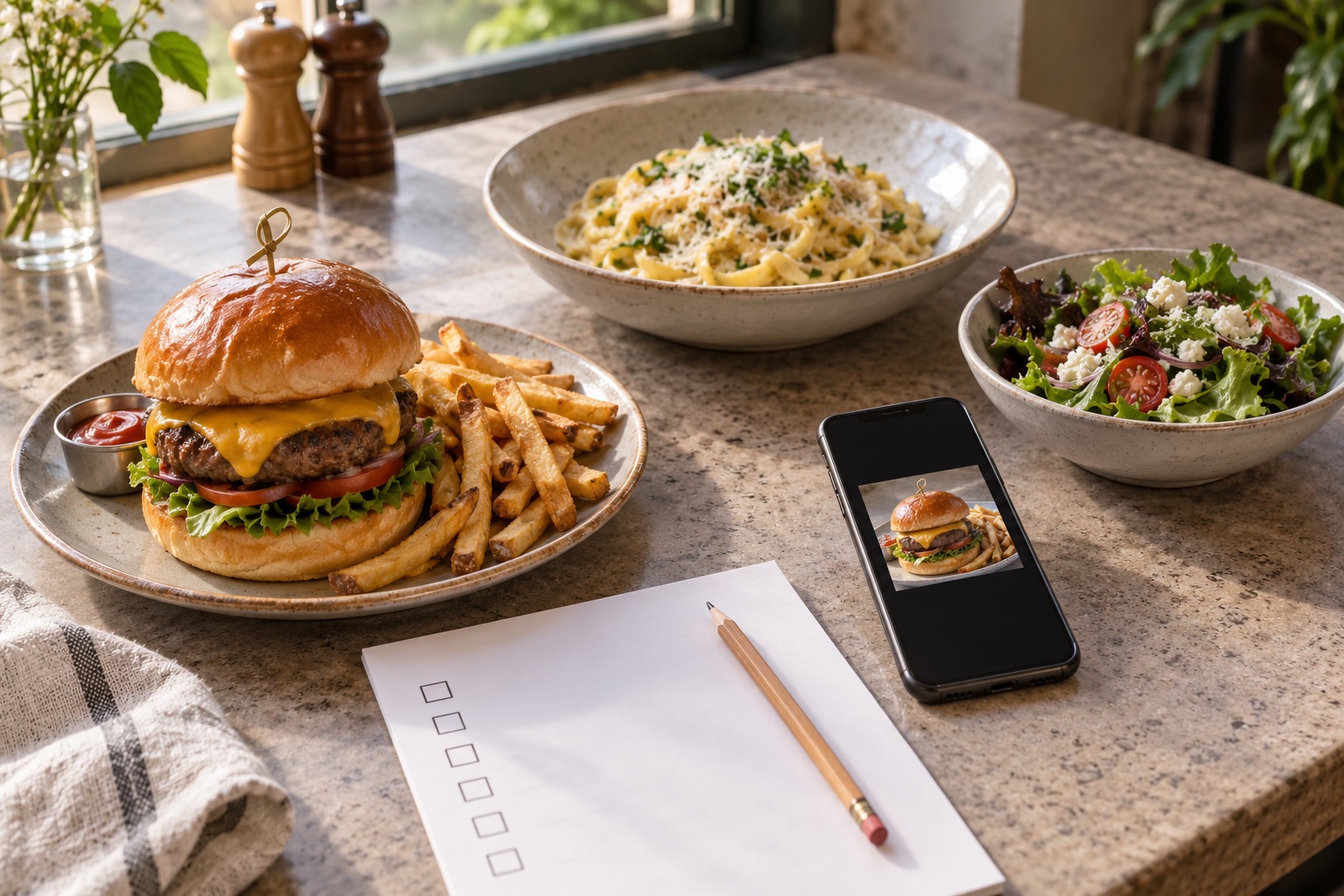
For 2026, the trend that earns more taps is simple: real dishes, photographed clearly, cropped for small screens, and kept consistent across the menu. Customers decide in a delivery feed, on Google Business Profile, and in a shared link preview — all at thumbnail size.
Short Answer
The 2026 shift is not fantasy AI food. It is honest enhancement of real dish photos, thumbnail-first crops, consistent backgrounds and color across the menu, and faster refreshes for best sellers, specials, delivery apps, Google Business Profile, and social previews.
Most operators need three answers in order: what to fix first, how to fix it without a reshoot, and what to avoid so the photo still matches what the kitchen serves.
Why This Matters Now
Delivery feeds got denser and photos got smaller. A wide shot that works on a website header can turn to mush at phone size: sauce disappears, protein blends into a dark plate, cutlery and text distract.
Consistency now beats single hero shots. When light, background, crop, and color match, the whole menu looks trustworthy and each dish scans faster. When they drift, even good photos look uncertain.
The Practical Framework
Work in this order:
- Start from your real dish, not invented food.
- Preview every photo at delivery-app thumbnail size first.
- Standardize background, crop, brightness, and color.
- Refresh by revenue: best sellers and specials before the long tail.
Each dish should be legible small, true to portion and ingredients, and reusable on delivery, Google, and your site.

Execution Plan
- Audit the top 20. Export best sellers and specials. View them side-by-side at phone thumbnail size. Mark any that look dark, blurry, cropped too tight, or inconsistent with neighbors.
- Run one thumbnail test. Take your top seller — pasta or a burger works well — and shrink it to delivery size. If the bun edge disappears into the background, or grated cheese reads as noise, fix that one first: lift shadows slightly, clean the background, center the dish, leave breathing room. Compare before and after only at thumbnail size. If it is not clearer small, it is not done.
- Enhance one batch. Fix lighting, background, and color while keeping portions, toppings, and plating exactly as served. Do not add ingredients you do not serve.
- Publish by revenue priority. Best sellers first, then specials, then the rest. Reuse the same crop and light direction so the grid holds together.
- Measure clicks. Watch delivery item taps, Google profile photo views, and website menu taps. Keep the before file so you can roll back.

For a schedule, use the restaurant menu photo refresh calendar. For honest-AI rules, use the AI food photo policy template.
Mistakes That Kill Clicks
Fantasy food comes first. Extra cheese, taller stack, invented garnish may win a glance and lose trust at the table. Second is a different look per dish — warm here, blue there, overhead then 45 degrees. Third is checking only full-size and shipping a thumbnail surprise. Fourth is leaving sold-out specials live with great photos.
Before the photo goes live
- Compare ingredients, portion, sides and packaging with the current serving.
- Inspect the original and edit at full size; reject invented ingredients and unreadable text.
- Preview the actual destination crop as a small phone tile.
- Confirm the account’s current file and image policy; keep an authentic original.
- Record the dish, approved file, reviewer and publication date.
Measure the menu change in your account
Compare the same dishes over similar periods. Record menu price, promotion, stock and ranking changes beside clicks and orders. First confirm that the correct photo was accepted and displayed. A generated illustration or a more attractive thumbnail is not evidence of a sales uplift.
Review changed portions immediately and use the photo refresh calendar for the next audit.
2026 restaurant checklist
Food is real. Crop works small. Lighting matches the menu. File works in two channels. Plate matches the kitchen.
FAQ
What is the biggest restaurant food photography trend in 2026?
The most practical trend is honest AI enhancement of real dish photos, combined with thumbnail-first crops and faster refresh cycles for delivery apps and menu pages.
Should restaurants use AI-generated food images in 2026?
Restaurants should avoid fantasy food images. AI is safest when it enhances real photos without changing portions, ingredients, toppings, or the product promise.
How often should restaurants refresh food photos in 2026?
Refresh specials immediately, high-value hero dishes monthly, and the full menu quarterly so images stay aligned with current plating and customer expectations.
What crop matters most for delivery app food photos?
The thumbnail crop matters most because customers make fast decisions in a small feed. Preview every photo at delivery-app thumbnail size before it goes live.
Next Step
Run one real dish through FoodPhoto.ai, compare before and after at thumbnail size, then apply the same standard to the rest of the menu.